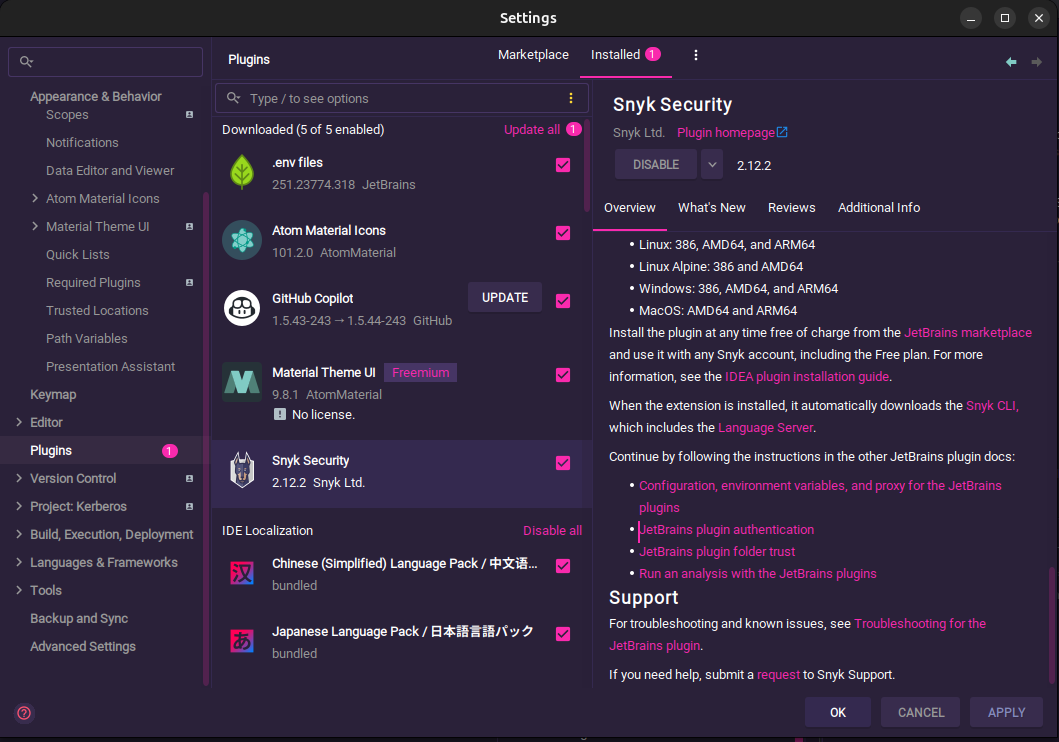
Snyk is a security tool that helps developers find and fix vulnerabilities in their open-source dependencies, container images, and infrastructure as code. The Snyk plugin for JetBrains IDE`s can installed over Settings->Plugins.
Key Features of the Snyk Plugin for IntelliJ:
- Vulnerability Scanning: Automatically scans your project dependencies for known vulnerabilities.
- Real-time Feedback: Provides instant alerts and suggestions for fixing vulnerabilities as you code.
- Fix Suggestions: Offers recommendations for upgrading dependencies or applying patches to resolve identified issues.
- Integration with Snyk Dashboard: Allows you to view and manage vulnerabilities from the Snyk web dashboard.
- Support for Multiple Languages: Works with various programming languages and frameworks supported by Snyk.
Pricing Model:
Snyk offers a tiered pricing model, which typically includes the following plans:
- Free Tier:
- Basic features for individual developers and small projects.
- Limited number of tests and features.
- Pro Tier:
- Designed for small teams and organizations.
- Includes additional features such as advanced reporting, collaboration tools, and priority support.
- Pricing is usually based on the number of users or projects.
- Business Tier:
- Aimed at larger teams and enterprises.
- Offers advanced security features, compliance reporting, and integration with CI/CD pipelines.
- Custom pricing based on specific needs and scale.
- Enterprise Tier:
- Tailored solutions for large organizations with specific security requirements.
- Includes dedicated support, custom integrations, and advanced features.
- Pricing is typically negotiated based on the organization’s size and requirements.
Daily work with it
On the left side you will find the Snyk icon after installation.

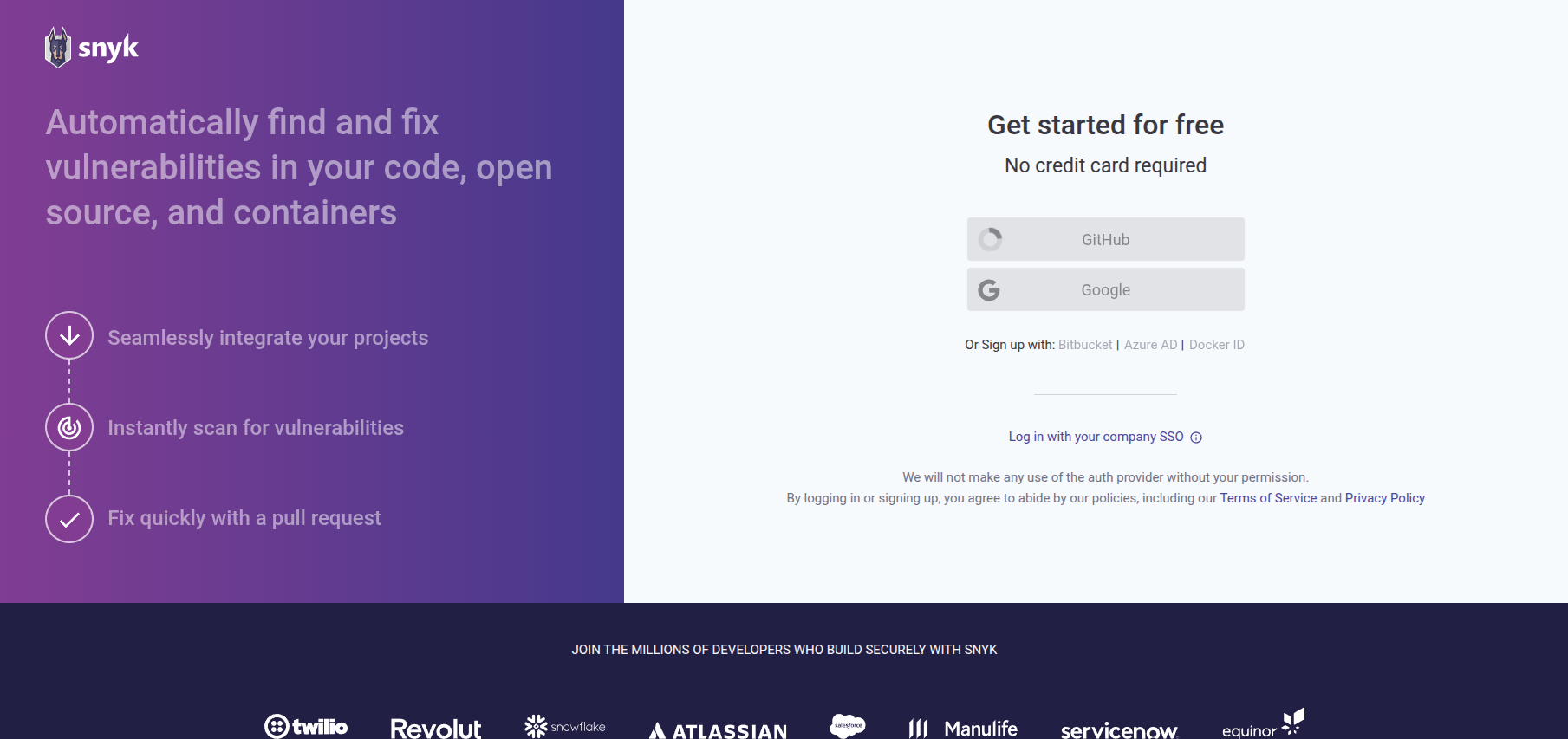
A Click on it and you will find the options to this plugin. Activate your account over e.g. Github and grant access.
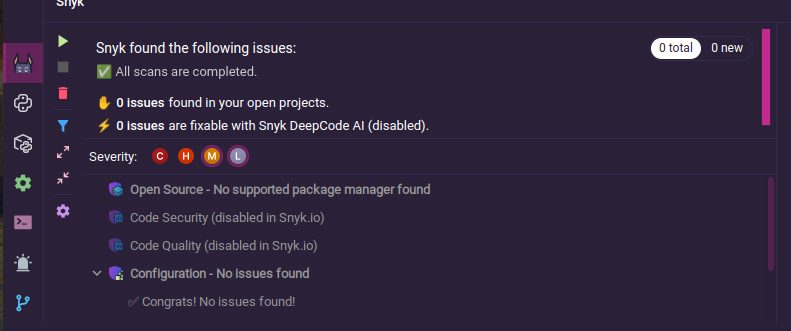
After that you have access to the vulnerability scanner, which is very useful. I use it for my own projects, especially for python (due to a lot of dependencies). This make it easy to find in the third party libraries vulnerabilities. I also use it for Hack the Box challenges, for instance the Web challenges often providing source code and it makes it easier to find the clue to solve the Lab.